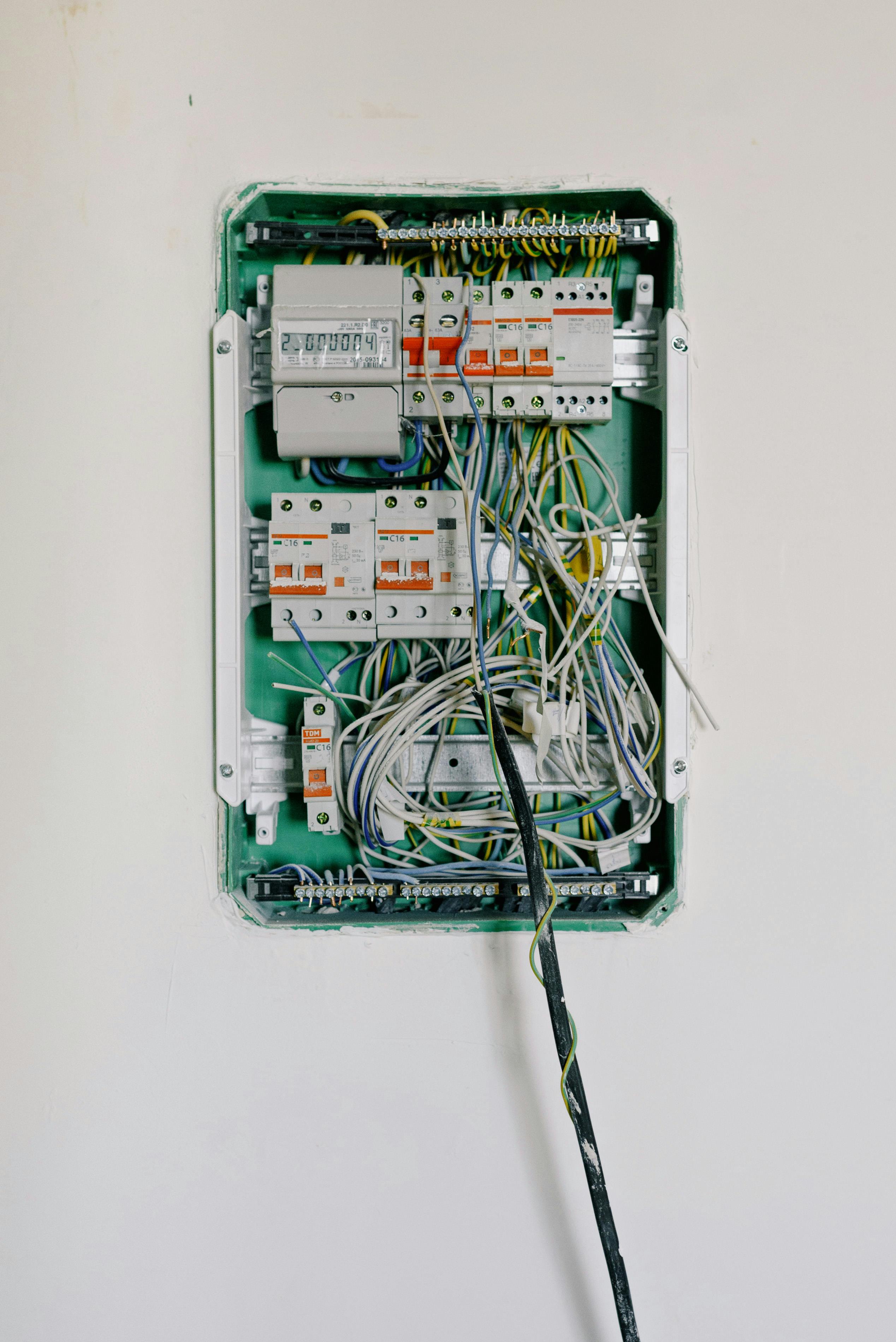
Replacing a single-pole light switch takes 15-30 minutes when done safely. Turn off power at the breaker, verify power is off with a voltage tester, photograph existing connections, then match wire connections on the new switch. Always call an electrician if you find aluminum wiring or signs of damage.
Replacing a light switch is one of the most accessible electrical DIY projects. This guide covers single-pole switches (the most common type with ON/OFF markings). For 3-way or 4-way switches, consider hiring an electrician due to more complex wiring.
What You’ll Need
Tools:
- Non-contact voltage tester (mandatory—never skip this)
- Flathead screwdriver
- Phillips screwdriver
- Needle-nose pliers
- Wire strippers (if wire ends are damaged)
Materials:
- Replacement switch ($3-8 standard; $15-50 dimmer; $25-80 smart switch)
Identifying Your Switch Type
| Switch Type | Terminals | Identification |
|---|---|---|
| Single-pole | 2 brass + ground | Has ON/OFF markings |
| 3-way | 3 (1 common + 2 travelers) + ground | No ON/OFF markings |
| 4-way | 4 + ground | No ON/OFF markings |
If your switch doesn’t have ON/OFF markings, you have a 3-way or 4-way switch. These require more complex wiring—photograph all connections carefully or call an electrician.
Step-by-Step: Replacing a Light Switch
-
Turn off power at the breaker panel — Flip the circuit breaker controlling the switch. Place tape over the breaker to prevent someone from accidentally turning it back on.
-
Verify power is off with a voltage tester — First, test your voltage tester on a known-working outlet to confirm it functions. Then hold the tester within ½ inch of all terminal screws and wires in the switch box. If the tester lights up or beeps, power is still on—return to the breaker panel.
-
Remove the cover plate — Unscrew and set aside the faceplate.
-
Document existing connections — Take a photo with your phone before disconnecting anything. Note which color wire connects to which terminal.
-
Remove the old switch — Unscrew the mounting screws and gently pull the switch from the box. Loosen terminal screws counterclockwise to remove wires. For push-in connections, insert a small screwdriver into the release slot while pulling the wire.
-
Prepare the wires — If wire ends are damaged, strip ¾ inch of insulation. Form clockwise hooks with needle-nose pliers.
-
Connect the new switch — Connect the ground wire (green or bare copper) to the green ground screw first. Connect hot wires (black) to brass terminals, wrapping wire clockwise around each screw. Tighten all screws securely. Gently tug each wire to confirm a secure connection.
-
Install the switch — Fold wires carefully into the box. Secure the switch with mounting screws, ensuring the OFF position is down. Replace the cover plate.
-
Test your work — Turn the breaker back on. Test the switch multiple times. Check for buzzing sounds, sparks, or warmth. If any issues occur, turn off power immediately and recheck connections.
Wire Color Guide
| Wire Color | Function |
|---|---|
| Black | Hot (carries live current) |
| White | Neutral (return path) |
| Green or bare copper | Ground (safety) |
| White with black tape | Being used as hot wire (per NEC 200.9) |
Safety Warnings
- Never work on live circuits — Always verify power is off with a voltage tester before touching any wires
- Test ALL wires in the box — Multiple circuits may run through the same box
- Wrap wires clockwise — Counterclockwise wrapping loosens as the screw tightens
- Wear rubber-soled shoes and consider insulated gloves
When to Call an Electrician
Call a licensed electrician if you encounter:
- Aluminum wiring — Silver-colored wires instead of copper. Homes built 1965-1973 may have aluminum wiring, which is 55x more likely to have fire hazard conditions (CPSC)
- No ground wire — NEC 404.9(B) allows replacement only with specific protections
- Signs of overheating — Scorch marks, melted insulation, discolored wires, warm cover plates
- Sparking or buzzing when operating the switch
- Unusual wire configurations — Multiple hot wires, unexpected colors
- Smart switch requiring neutral — Older homes may lack neutral wire at switch box
- Any uncertainty about the wiring
Common Mistakes to Avoid
- Skipping voltage testing: The most dangerous mistake—never assume power is off
- Not photographing connections: Makes it impossible to remember wire positions
- Wrapping wires counterclockwise: Loosens as screw tightens, creating a fire hazard
- Over-tightening terminal screws: Can damage wire insulation
- Assuming the circuit is dead because the light is off: Another circuit may share the box
Frequently Asked Questions
How do I know what type of light switch I have?
Single-pole switches have ON/OFF markings and 2 brass terminals plus ground. 3-way switches control one light from two locations and have 3 terminals (no ON/OFF markings). 4-way switches have 4 terminals and work between two 3-way switches.
Can I replace a light switch myself?
Yes, replacing a single-pole switch is a straightforward DIY project if you turn off power at the breaker and verify it’s off with a voltage tester. Call an electrician if you find aluminum wiring, missing ground wires, or signs of damage.
Why does my light switch feel warm?
A warm switch indicates loose connections, overloading, or a failing switch—all potential fire hazards. Turn off power immediately and call an electrician. Dimmer switches may feel slightly warm during normal operation, but standard switches should never feel warm.
Related Guides
- Electrical Basics Guide — Complete overview of home electrical safety
- How to Replace an Electrical Outlet — Similar process for outlet replacement
- Circuit Breaker Keeps Tripping — Diagnose circuit problems