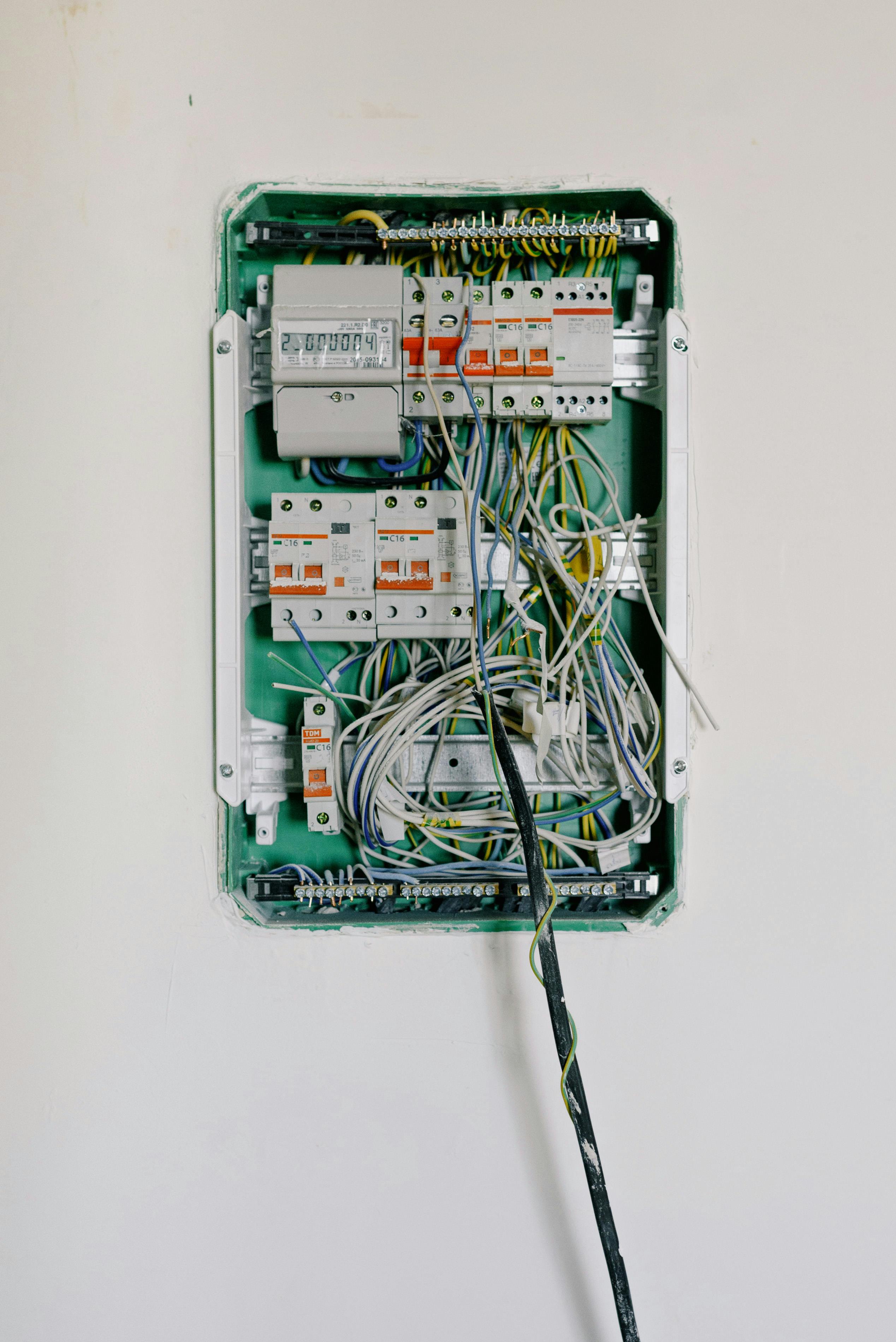
Flickering lights range from harmless (loose bulb, LED dimmer incompatibility) to dangerous (loose wiring, overloaded circuits, failing utility connection). Single bulb flickering is usually minor. Whole-house flickering or flickering with burning smells requires immediate attention—call an electrician. Brief dimming when large appliances start is normal.
Flickering lights are one of the most common electrical complaints. The key is determining whether you’re dealing with a simple fix or a serious hazard. This guide helps you diagnose the cause and know when professional help is needed.
Quick Diagnosis: Where Is the Flickering?
| Scope | Likely Cause | Urgency |
|---|---|---|
| One bulb | Loose bulb, failing bulb, bad socket | Low — DIY fix |
| One fixture (multiple bulbs) | Loose fixture wiring, bad switch | Medium — inspect connections |
| One circuit/room | Loose connection, overloaded circuit | Medium-High — may need electrician |
| Whole house | Utility problem, main panel issue, loose service connection | High — call electrician or utility |
Single Bulb Flickering
Most common causes:
- Loose bulb — Turn off power, let cool, tighten bulb firmly
- Failing bulb — Incandescents flicker near end of life; replace
- Bad socket — Corroded or bent contact tab; clean or replace fixture
- LED driver failure — Poor-quality LEDs fail; replace with reputable brand
DIY fix: Tighten or replace the bulb first. If flickering persists, the socket or fixture wiring needs attention.
LED-Specific Flickering
LEDs flicker for different reasons than incandescent bulbs:
Incompatible Dimmer (Most Common)
Standard incandescent dimmers use “leading edge” technology incompatible with most LEDs. Symptoms:
- Flickering at any dimmer setting
- Buzzing from bulb or dimmer
- Limited dimming range
- Lights won’t turn fully off
Solution: Replace with an LED-compatible dimmer (often called “trailing edge” or “universal” dimmers). Cost: $20-40.
When buying LED bulbs for dimmer circuits, check the packaging for “dimmable” labeling and look for the dimmer compatibility list on the manufacturer’s website. Not all dimmable LEDs work with all dimmers.
Other LED Flickering Causes
- Poor-quality LED driver — Cheap LEDs have inferior electronics; buy from reputable brands
- Voltage fluctuations — LEDs are more sensitive than incandescents
- Loose connections — Same as any bulb type
- Overloaded dimmer — Dimmers have wattage limits; check total LED wattage
Flickering When Appliances Start
Normal behavior: Lights briefly dim (under 1 second) when large appliances start. High-draw appliances include:
- Central AC: 3,000-5,000W startup
- Refrigerator: 1,200-2,000W startup
- Washing machine: 500-1,500W startup
- Hair dryer: 1,200-1,875W continuous
When it’s a problem:
- Dimming lasts more than 1-2 seconds
- Dimming is severe (more than slight)
- Happens on every appliance, not just large ones
- Accompanied by buzzing or flickering
Causes of excessive dimming:
- Overloaded circuit (too many devices)
- Undersized wiring for the load
- Loose connections somewhere in circuit
- Failing appliance drawing excess current
Whole-House Flickering — Take Seriously
Whole-house flickering indicates problems at the main panel or utility connection:
Possible Causes
-
Loose service entrance connection — Where utility wires connect to your home. Arcing at this point is extremely dangerous.
-
Failing main breaker — Main breaker contacts wearing out
-
Loose neutral connection — Can cause voltage imbalances and damage appliances
-
Utility company issue — Transformer problems, damaged lines, grid fluctuations
-
Corroded meter base connections — Common in older homes
What to Do
-
Check with neighbors — If they’re experiencing the same, it’s a utility issue. Call your power company.
-
If only your home — Call a licensed electrician immediately. Don’t wait.
Voltage imbalance warning: If some lights seem brighter than normal while others are dim, you may have a loose or failing neutral connection. This is dangerous—appliances can be damaged by overvoltage. Turn off sensitive electronics and call an electrician immediately.
Switch-Related Flickering
If flickering changes when you wiggle the switch, you have loose connections:
Symptoms:
- Light flickers when switch is touched or bumped
- Flickering changes intensity with switch position
- Switch feels loose or wobbly
- Buzzing from the switch
Cause: Loose wire connections at switch terminals or failing switch contacts.
Solution: Turn off power at breaker, verify power is off, tighten or replace switch. See our light switch replacement guide.
Signs of Dangerous Wiring Problems
Call an electrician immediately if you notice:
- Burning smell — Plastic, fish, or acrid odor indicates overheating insulation
- Scorch marks — Around outlets, switches, or panel
- Buzzing or crackling — From walls, outlets, or switches
- Warm cover plates — Outlets or switches should never feel warm
- Flickering with no apparent cause — Random flickering throughout house
- Flickering that’s getting worse — Progressive problem indicates deteriorating connection
Diagnostic Flowchart
Step 1: Identify the Scope
- One bulb? → Check bulb, socket, fixture wiring
- One room/circuit? → Check switch connections, circuit load
- Whole house? → Check with neighbors, then call electrician
Step 2: Note the Pattern
- When appliances start? → Likely normal or circuit overload
- Random times? → Loose connection or utility issue
- Certain time of day? → Utility demand peaks or scheduled equipment
Step 3: Check the Simple Fixes
- Tighten bulbs
- Replace suspect bulbs
- Check dimmer compatibility (LEDs)
- Redistribute loads across circuits
Step 4: Know When to Stop
If simple fixes don’t solve it, or if you see any warning signs, call a licensed electrician.
When to Call an Electrician
Immediate — Don’t Wait:
- Whole-house flickering
- Burning smell anywhere
- Visible sparking or arcing
- Scorch marks on outlets/switches
- Warm or hot cover plates
- Flickering with buzzing in walls
Soon — Schedule This Week:
- Flickering that persists after bulb replacement
- Multiple fixtures on same circuit flickering
- Flickering that’s progressively worsening
- Any uncertainty about the cause
Can Wait — But Address Eventually:
- Single bulb that needs replacement
- Dimmer incompatibility with LEDs
- Minor appliance-startup dimming
Common Mistakes to Avoid
- Ignoring whole-house flickering — This is never “just a loose bulb”
- Using incandescent dimmers with LEDs — Causes flickering and can damage bulbs
- Overtightening bulbs — Can damage socket; firm is enough
- Ignoring progressive worsening — Small flickers become big problems
- DIY work on main panel — Always hire a licensed electrician
Frequently Asked Questions
Why do my lights flicker when I turn on an appliance?
Large appliances like AC units, refrigerators, and hair dryers draw significant startup current (inrush current), which can momentarily reduce voltage to other devices on the same circuit. Brief dimming (under 1 second) during startup is normal. Persistent or severe dimming indicates an overloaded circuit or undersized wiring.
Are flickering lights dangerous?
It depends on the cause. A single flickering bulb usually indicates a loose bulb or failing LED driver—not dangerous. Whole-house flickering, lights that flicker without appliance use, or flickering with burning smells are serious warning signs of loose connections, overloaded circuits, or failing utility connections that can cause fires.
Why do my LED lights flicker?
LED flickering is usually caused by incompatible dimmer switches (most common), poor-quality LED drivers, loose connections, or voltage fluctuations. Replace old incandescent dimmers with LED-compatible dimmers, and ensure you’re using quality LED bulbs from reputable manufacturers.
Related Guides
- Electrical Basics Guide — Complete overview of home electrical safety
- Circuit Breaker Keeps Tripping — Diagnose circuit problems
- How to Replace a Light Switch — Fix switch-related flickering