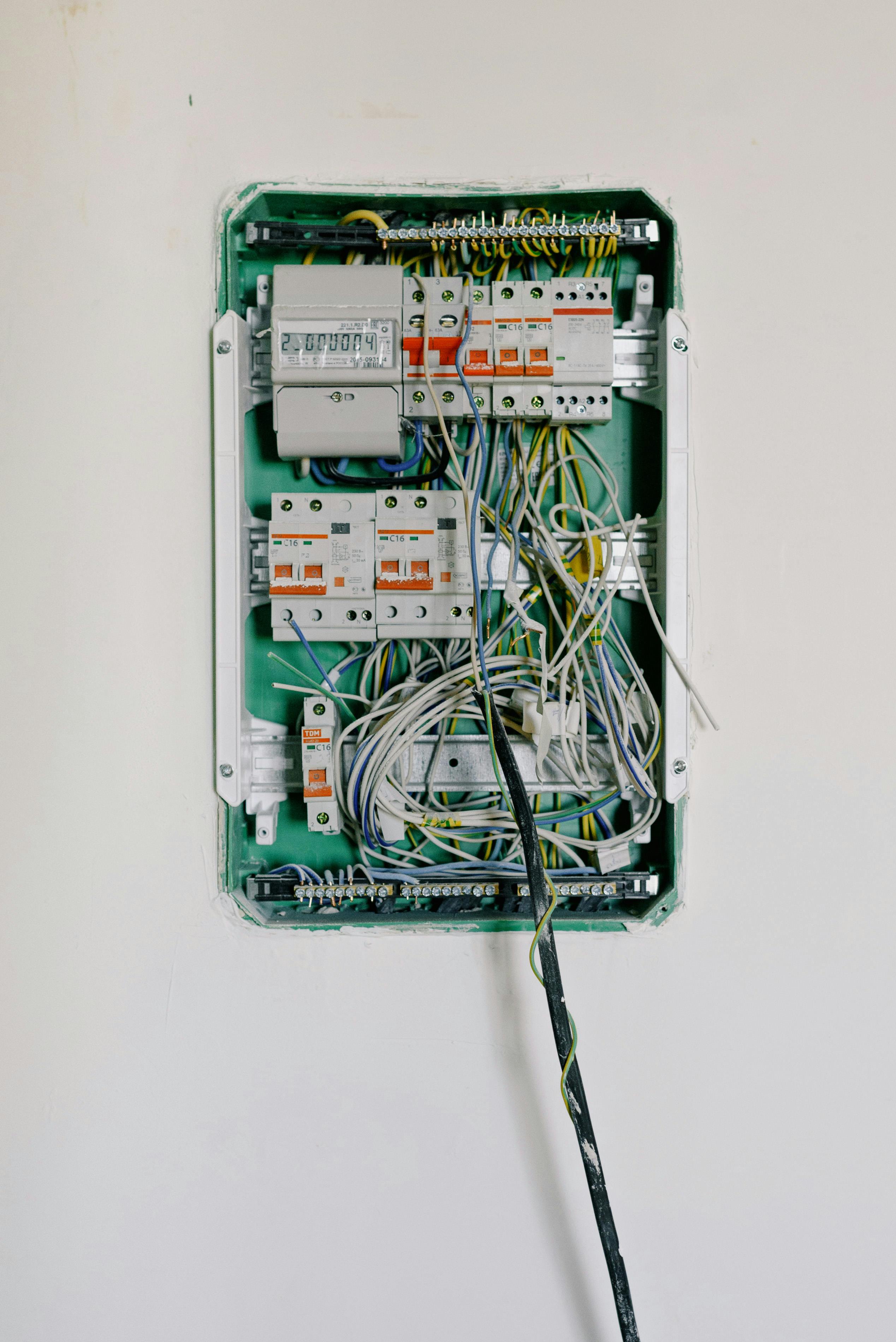
A GFCI that won’t reset typically indicates: the breaker is tripped, moisture in the circuit, a ground fault downstream, or the GFCI unit has failed. Start by checking your breaker panel, then unplug everything on the circuit and try resetting. GFCIs have a 10-15 year lifespan and should be tested monthly.
GFCIs (Ground Fault Circuit Interrupters) have reduced electrocutions by 83% since their introduction. When one won’t reset, it’s either doing its job detecting a real fault or the unit needs replacement.
How GFCIs Work
A GFCI continuously monitors electricity flowing between hot and neutral wires. Under normal conditions, current flowing out equals current returning. If current is “leaking” to ground (through water, damaged insulation, or a person), the GFCI detects the imbalance and trips.
Trip threshold: 4-6 milliamps of imbalance Response time: Less than 1/40th of a second (25 milliseconds)
Important: A GFCI does NOT protect against shock if you touch both hot and neutral simultaneously.
Monthly Test Procedure
- Plug in a lamp or nightlight
- Turn device on to confirm power
- Press TEST button — You should hear a click, RESET button pops out, device turns off
- Press RESET button — Power should restore, device works again
If the TEST button doesn’t trip the GFCI, the unit is defective and must be replaced immediately. Never assume a GFCI works just because the outlet provides power—21% of GFCIs don’t provide protection while still providing power.
Troubleshooting Flowchart
Step 1: Check the Breaker First
Go to your electrical panel and look for a tripped breaker (handle in middle position). Reset by pushing firmly OFF, then ON.
If breaker trips immediately: STOP—call electrician (possible short circuit).
Step 2: Check Other GFCIs in Your Home
One GFCI may protect multiple outlets. Check and reset all GFCIs in:
- Bathrooms
- Kitchen
- Garage
- Basement
- Outdoors
Step 3: Unplug All Devices
Unplug everything connected to the GFCI and any downstream outlets. Try to reset.
If it resets: Plug devices back one at a time to identify the faulty device.
Step 4: Check for Moisture
If reset still fails after unplugging everything:
- Turn off breaker
- Visually inspect outlet for water/dampness
- Let dry completely (use hairdryer on cool setting if needed)
- Try reset again
Step 5: Replace GFCI if:
- Won’t reset even with all loads disconnected and no moisture
- TEST button doesn’t cause trip
- RESET button doesn’t stay engaged
- Visible damage (cracks, burn marks, discoloration)
- Outlet is older than 10-15 years
- RESET button feels loose, stuck, or soft
Step 6: Call Electrician if:
- Problem persists after replacing GFCI
- Suspected wiring problems
- Multiple GFCIs trip simultaneously
- Any signs of electrical damage or burning smell
Common Causes and Solutions
| Cause | Solution |
|---|---|
| Breaker tripped at panel | Check and reset breaker first |
| Moisture in outlet or downstream | Let dry completely, then try reset |
| Ground fault on circuit | GFCI doing its job—unplug devices, find faulty item |
| GFCI unit has failed | Replace GFCI (common after 10-15 years) |
| LINE vs LOAD reversed | Call electrician to correct wiring |
| Downstream device causing fault | Unplug everything, reset, plug back one at a time |
Understanding LINE vs LOAD
One GFCI can protect multiple downstream outlets when wired correctly:
- LINE terminals: Connect incoming power from breaker panel
- LOAD terminals: Connect wires going to downstream outlets
Key points:
- Any outlet wired to LOAD terminals receives GFCI protection
- If GFCI trips, all downstream outlets lose power
- A fault at ANY downstream outlet will trip the upstream GFCI
GFCI Location Requirements (NEC 210.8)
GFCI protection is required in:
- Bathrooms — All receptacles
- Kitchens — All receptacles (2023 NEC)
- Garages and accessory buildings
- Outdoors — All receptacles
- Basements — All areas
- Laundry areas
- Within 6 feet of sinks
- Within 6 feet of bathtubs/showers
Safety Warnings
- Never ignore a GFCI that won’t reset — It may be detecting a real ground fault
- Test GFCIs monthly — 21% don’t provide protection while still providing power
- Replace every 10-15 years — Internal electronics degrade over time
- Don’t bypass by plugging into a different outlet—the fault still exists
- Outdoor and damp-location GFCIs fail faster due to environmental exposure
When to Call an Electrician
- GFCI keeps tripping after troubleshooting
- Suspected wiring problems (LINE/LOAD confusion)
- Burn marks or signs of electrical damage
- Multiple GFCIs trip simultaneously
- Problem persists after GFCI replacement
- Uncomfortable working with electrical systems
- Aluminum wiring present
Common Mistakes to Avoid
- Ignoring a GFCI that won’t reset — May indicate real hazard
- Replacing GFCI without first checking breaker — Simplest fix often overlooked
- Confusing LINE and LOAD terminals — Critical wiring error
- Not testing monthly — Can’t assume it’s working
- Using GFCI past its lifespan — Replace every 10-15 years
Frequently Asked Questions
Why won’t my GFCI outlet reset?
Common causes include: tripped breaker at the panel, moisture in the circuit, a ground fault somewhere downstream, or the GFCI unit has failed. Start by checking your breaker, then unplug everything on the circuit and try resetting. GFCIs have a 10-15 year lifespan.
How often should I test my GFCI outlets?
Test GFCI outlets monthly by pressing the TEST button (device should turn off) and then RESET. Studies show 21% of GFCIs don’t provide protection while still providing power—monthly testing ensures they’re working properly.
Can a GFCI outlet go bad?
Yes. GFCIs have internal electronics that degrade over time. Most manufacturers recommend replacement every 10-15 years. Signs of failure include: won’t reset, TEST button doesn’t trip the outlet, reset button feels loose or stuck, or visible damage.
Related Guides
- Electrical Basics Guide — Complete overview of home electrical safety
- How to Replace an Electrical Outlet — Step-by-step outlet replacement
- Circuit Breaker Keeps Tripping — Diagnose breaker problems